
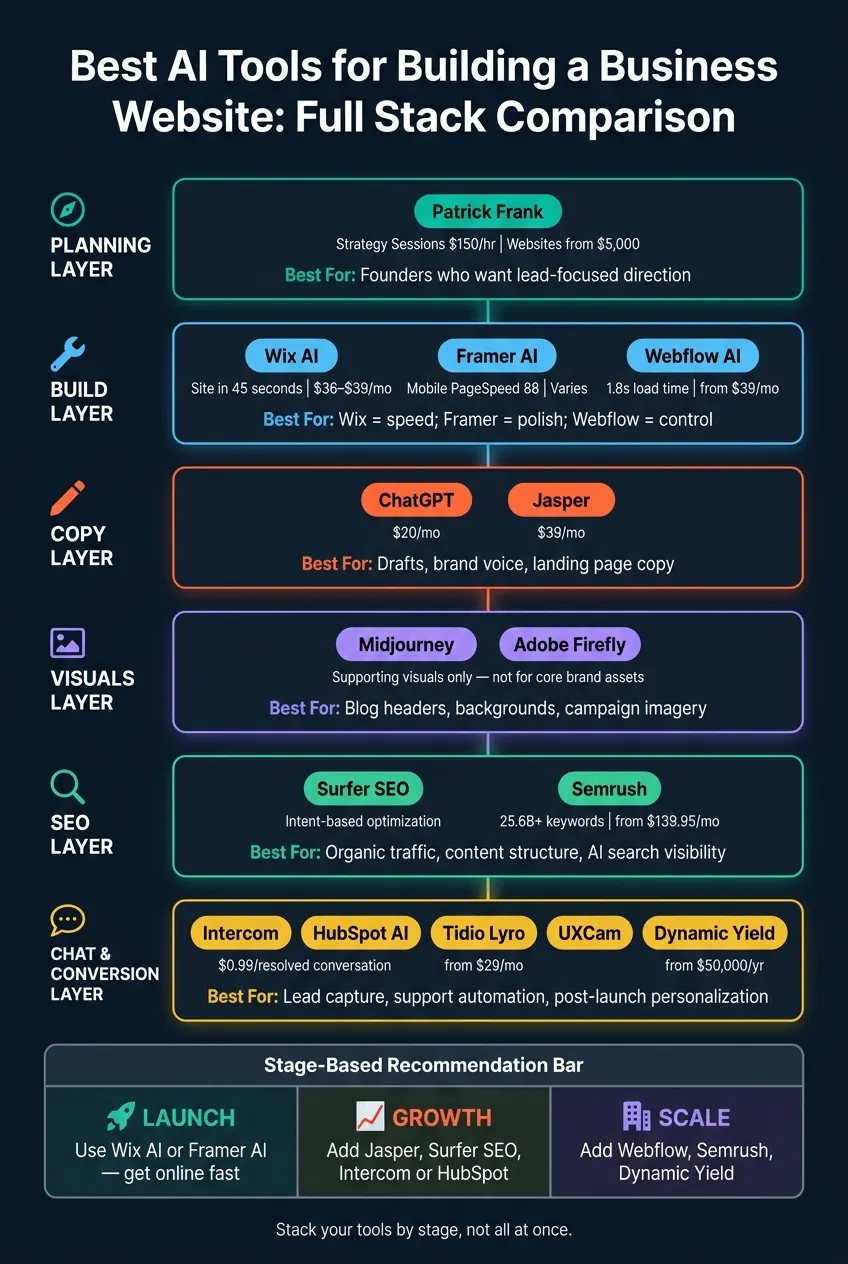
A business website is not one tool. It’s a stack. If I want a site that brings in leads, I need six parts working together: build, copy, design, SEO, chat, and measurement.
Here’s the short version: Patrick Frank is the planning layer, Wix, Framer, and Webflow handle the build, ChatGPT and Jasper handle copy, Midjourney and Adobe Firefly help with visuals, Surfer SEO and Semrush cover search, Intercom, HubSpot, and Tidio Lyro handle chat and support, and UXCam plus Dynamic Yield help improve results after launch.
A few numbers stood out to me:
- Wix AI can generate a site in about 45 seconds
- Framer sites averaged a mobile PageSpeed score of 88
- Webflow sites averaged a 1.8-second load time
- Semrush tracks 25.6 billion+ keywords
- Intercom charges $0.99 per resolved conversation
- Dynamic Yield pricing starts around $50,000 per year
So if I were choosing fast:
- Need to launch fast? I’d look at Wix AI
- Need a polished marketing site? I’d look at Framer
- Need more control and CMS depth? I’d look at Webflow
- Need help writing pages? I’d use ChatGPT or Jasper
- Need search traffic? I’d use Surfer SEO and Semrush
- Need chat and lead follow-up? I’d use Intercom, HubSpot, or Tidio
- Need post-launch conversion work? I’d use UXCam and Dynamic Yield
BEST AI website builders | My top 3 picks for 2026
Quick Comparison
| Tool/Group | Main Job | Best For | Main Watchout | Starting Price |
|---|---|---|---|---|
| Patrick Frank | Planning, offers, page flow | Founders who want lead-focused direction | Service-based, not software | $150/hour, websites from $5,000 |
| Wix AI | All-in-one site builder | Small businesses, solo founders | Platform lock-in | $36–$39/month for business plans |
| Framer AI | Design-first site building | Premium brand and marketing sites | Light CMS and e-commerce depth | Varies by plan |
| Webflow AI | Custom site building + CMS | Teams that want control | Steeper learning curve | $39/month and up |
| ChatGPT / Jasper | Copy and page drafts | Fast writing and brand voice work | Needs editing | $20/month / $39/month |
| Midjourney / Firefly | Visual assets | Support images and branded asset work | Not for logos or core image trust | Varies by plan |
| Surfer SEO / Semrush | Search optimization | Service pages, blogs, topic planning | Can make copy sound stiff if overused | $139.95/month+ for Semrush |
| Intercom / HubSpot / Tidio | Chat, support, lead intake | Teams that want 24/7 site conversations | Setup and training time | Free to enterprise; Tidio from $29/month |
| UXCam / Dynamic Yield | Post-launch testing and personalization | Teams improving conversion after traffic grows | Higher cost, needs traffic volume | Dynamic Yield from $50,000/year |
My take: if I’m early-stage, I’d keep the stack small. If I’m in growth mode, I’d add better copy, SEO, and chat. If I’m scaling, I’d care more about CMS limits, export options, AI search visibility, and post-launch conversion data.
That’s the lens I’d use for the full list below.
1. Patrick Frank
Patrick Frank works with founders who want a website that does more than sit there and look nice. The goal is simple: build a site that helps bring in leads and supports the business. The services below show how that approach turns into a site people can use, a clearer market position, and better lead flow.
Website-Build Fit
Customized Websites start at $5,000. The work centers on page structure, offer clarity, and calls to action that push visitors toward the next step. That means the site is easier to move through and easier to use.
Brand-Positioning Support
If you want a consistent brand identity, Patrick Frank offers Brand Guides at $1,500 and Logos & Email Sigs at $500. These help line up the site's look and messaging, so each page feels like part of the same business instead of a mix of disconnected pieces.
Lead-Generation Impact
Patrick Frank also offers Copywriting Services with custom pricing for founders who need sharper messaging on their site. The focus is clearer copy that supports inquiries, bookings, and sales.
There’s also the 90 Day Growth Plan at $10,000, which gives founders a broader path for getting a market-ready website and offer out into the world.
Systems Support
The work doesn’t stop at the website. Patrick Frank also helps with AI agent strategy, workflow automation, and process audits for founders who want their site tied into systems that can grow with the business. For direct help, 1-on-1 Strategy Sessions are $150 per hour.
2. Wix AI
Website-Build Fit
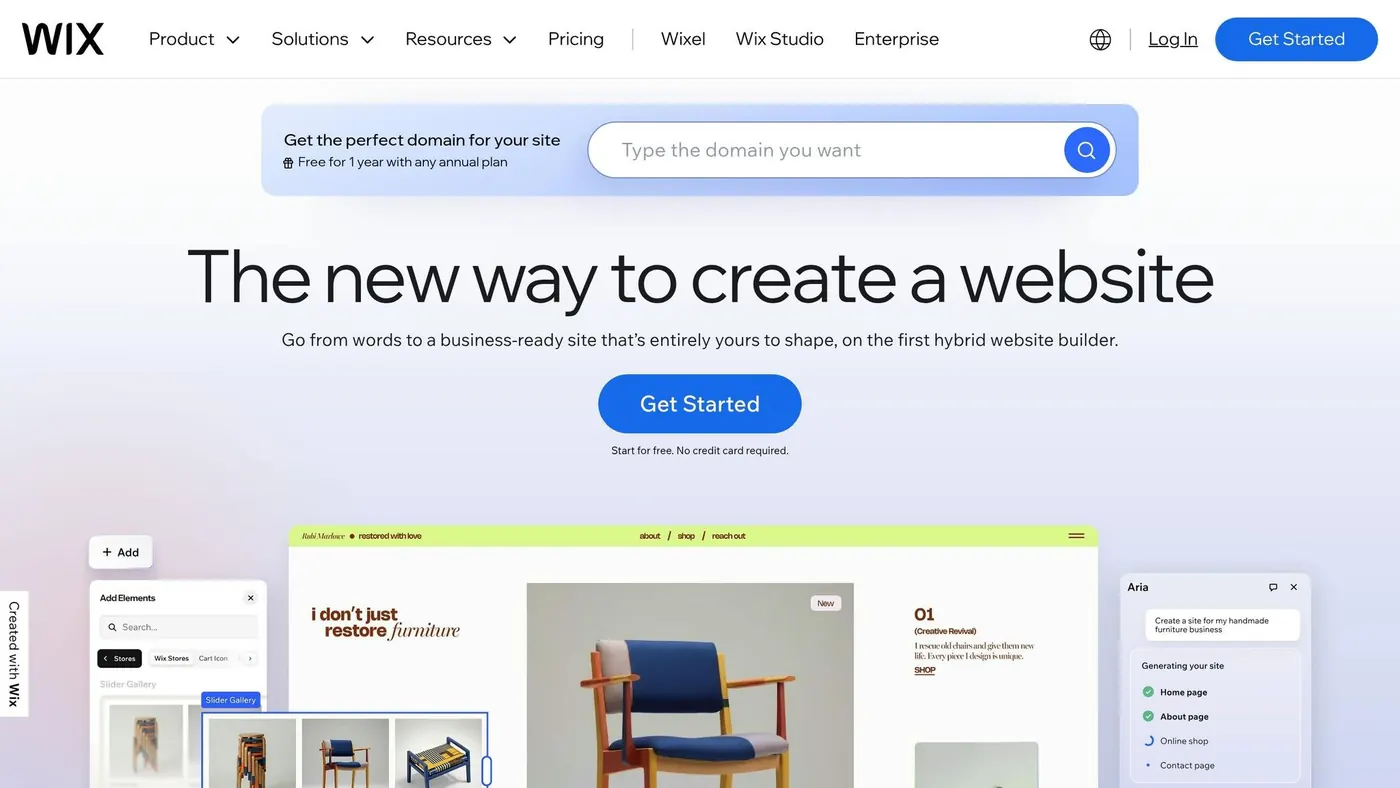
Wix AI is a strong fit for small businesses and solo founders who need a live site fast, with scheduling, payments, and follow-up tools ready to go. Its AI agent, Aria, uses a short, chat-style intake and can generate a complete working website in as little as 45 seconds. If speed matters more than hand-building every page, that’s a big plus.
The biggest time-saver is how Aria sets up the business side of the site for you. A consultant gets scheduling pages. A bakery gets menu sections. Bookings, payments, and CRM tools can all be connected without stitching together a bunch of separate systems by hand.
Once the site is live, the next thing to look at is how much control you want over the design.
Brand-Positioning Support
Aria asks about your goals and style, then applies a basic brand kit and tone changes across the site. That said, the result can still feel template-driven. If your brand needs a more specific visual identity, you’ll likely need to step in and refine it yourself.
From there, the next issue is simple: can the site turn visits into bookings or inquiries?
Lead-Generation Impact
Wix brings bookings, stores, payments, CRM, and abandoned cart recovery into one dashboard. That makes it useful for lead capture and straightforward sales flows. The Business plan ($36–$39/month) opens up more advanced e-commerce features.
Scaling-System Potential
Wix can grow with a business, but only up to a point. The Velo scripting layer lets developers add custom functionality and third-party integrations when the standard builder starts to run out of room. It helps extend what Wix can do, but the platform is still proprietary, so moving later means a full rebuild.
That matters if you think there’s a good chance you’ll migrate in the next 12–24 months.
That tradeoff sets up the next build category: more design control, with less automation.
3. Framer AI
Website-Build Fit
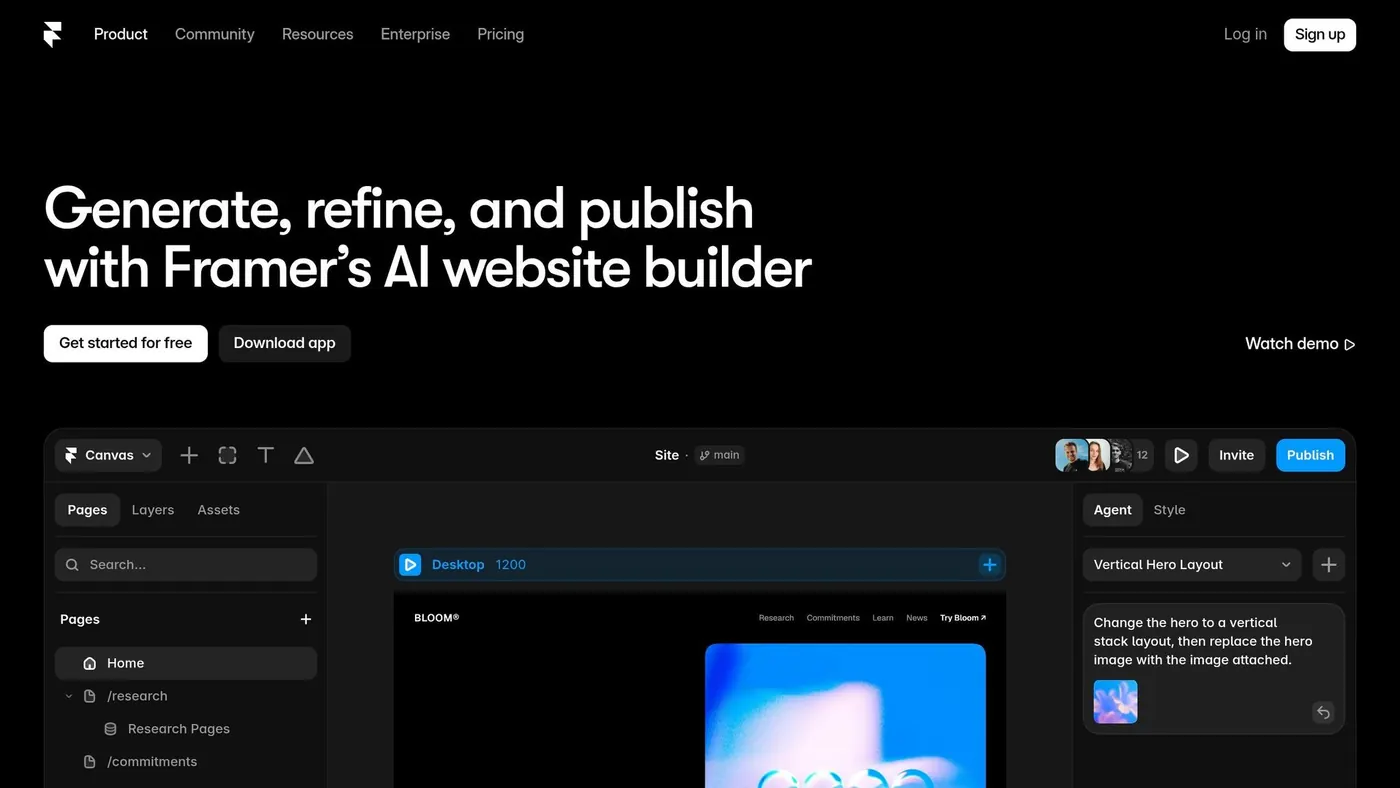
Framer AI is a strong match for marketing sites that need a polished, high-end look. Think portfolios, premium landing pages, and brand sites for founders who sell through trust and perception. With a text prompt, it can turn out and publish a 5-page site in about 3 to 5 hours.
It works well for small multi-page sites. But it isn't the best pick for complex e-commerce setups or full-stack apps.
Brand-Positioning Support
For this kind of site, speed is nice. The visual result matters more.
That’s where Framer stands out. In blind tests, professional designers rated Framer's AI output at 8.4/10 for quality, compared with 5.9/10 for Wix ADI. You can usually see that gap in the typography, spacing, and motion.
If you're building for a SaaS company, agency, or high-end service brand, that polish can make the site feel more credible right away. The tradeoff is that the editor feels closer to Figma, so it takes more time to learn than simpler builders.
Lead-Generation Impact
A site can look sharp, but it still needs to load fast if you want it to convert.
Framer does well here. Its sites average a mobile PageSpeed score of 88, compared with 62 for heavier platforms. Better speed supports Core Web Vitals and can help with search visibility.
There’s a catch, though. Framer doesn’t include native lead-capture features, so if you need advanced forms, booking tools, or member areas, you’ll usually need third-party integrations. For a focused marketing site, that’s often fine. Still, it gives you more moving parts to manage.
Scale Potential
Framer's CMS is limited to 2 to 10 collections on most plans, so it fits lighter content needs better than content-heavy growth sites. If your plan is to publish a lot of content across many content types, those limits can show up fast.
On the ownership side, Framer does allow React component exports. But the exported code often depends on Framer's proprietary runtime. In plain English, that can create platform lock-in, which becomes a bigger issue on larger builds.
For teams that need deeper CMS control and tighter business-system control, the next section covers Webflow AI.
4. Webflow AI
Website-Build Fit
Webflow AI is less of a one-prompt site generator and more of an assistant built into a pro visual editor. It helps fine-tune layouts, write copy, and keep you in full control of the build. That makes it a strong pick for founders who need more control as a site gets larger and more layered.
An experienced user can build a 10-page site with a blog and e-commerce in a few days, while first-timers usually need about 1–2 weeks. The tradeoff is the learning curve. It ranges from moderate to steep, so Webflow fits best if you want hands-on control instead of a set-it-and-forget-it setup.
For founders who want a site that feels custom but also needs a solid long-term setup, that level of control can make a big difference.
Brand-Positioning Support
Webflow stands out in how it handles brand consistency as a site grows. Its AI Site Builder, in beta as of 2026, can generate a complete design system with matching typography, colors, and spacing across the site. It can also create style guides to keep brand standards in line over time.
That matters a lot for agencies, SaaS brands, and other companies where visual trust carries weight. The catch is simple: you still need to set the first direction for the brand yourself.
Once that system is set up, the next step is looking at how well the site turns traffic into leads.
Lead-Generation Impact
Sites built on Webflow average a 1.8-second load time and an SEO score of 90. That gives you a strong base for search visibility. Webflow’s AI Audit panel also flags missing SEO metadata, alt text, and schema markup.
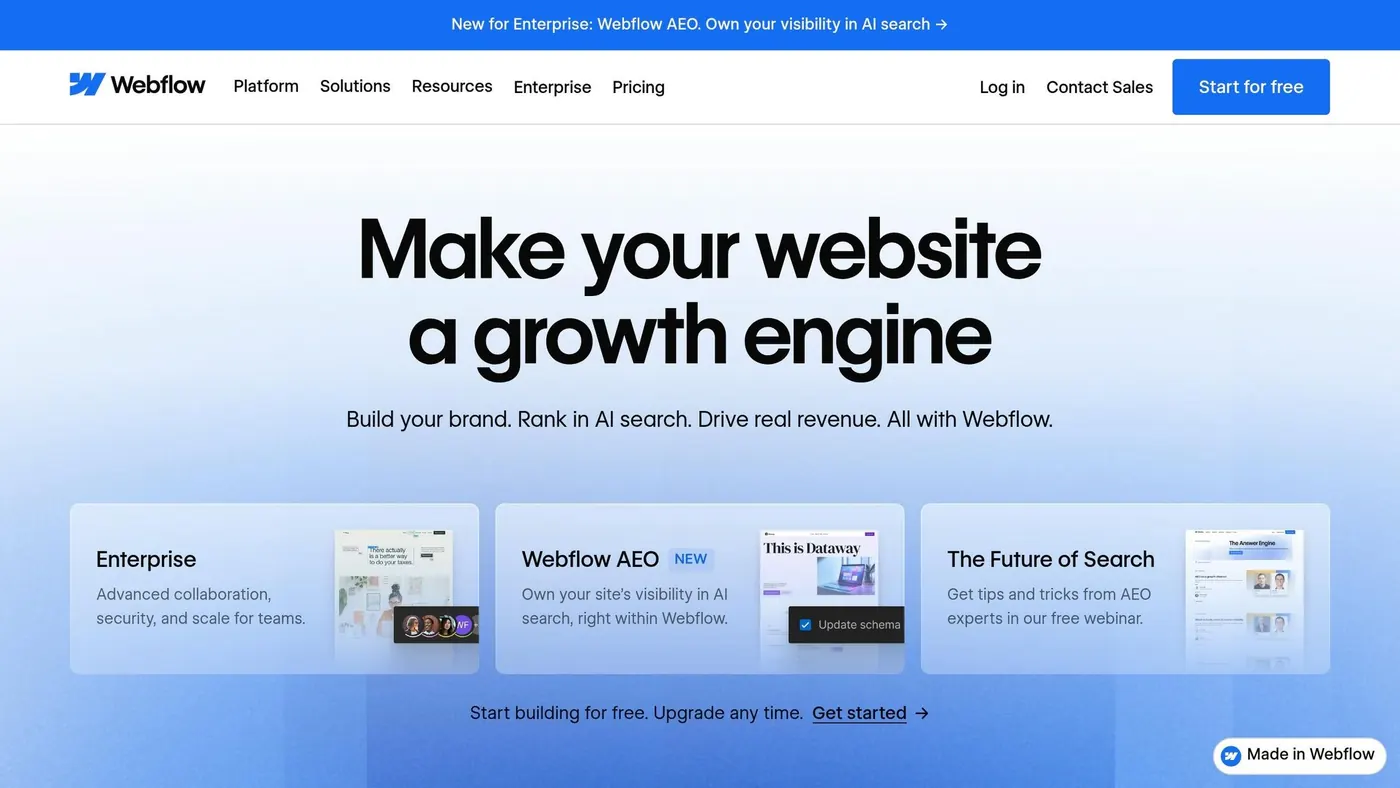
On the lead capture side, Webflow includes a logic engine for conditional form visibility and more personal user journeys. Its AEO (Answer Engine Optimization) feature tracks which AI search bots visit your site and how AI-referred visitors behave.
So it’s not just about making the site look polished. It also gives founders more visibility into how visitors find the site and what they do once they land there.
Scaling-System Potential
Webflow’s CMS supports up to 20,000 items across 40 collections, which makes it a good fit for content-heavy sites. It also exports clean HTML, CSS, and JavaScript, which can make future migration less painful.
For teams that need more than pages and posts, Webflow includes native e-commerce and built-in integrations with HubSpot and Zapier. Pricing starts with a free plan, with Premium at $39/month and Enterprise plans for larger teams.
After structure comes copy, and that shifts the focus from design control to faster content production.
5. ChatGPT
After layout comes copy, and ChatGPT is the fastest way to draft it.
Website-Build Fit
ChatGPT helps you plan site structure and draft copy before the build starts. It’s especially good at producing sitemaps, page outlines, and rough copy, so you begin with a working blueprint instead of a blank page.
One example shows this pretty well: a developer used ChatGPT to write copy for a five-page mobile bike repair site in a short amount of time, and the finished site scored 98 on PageSpeed after it was put together with Elementor AI. On its own, ChatGPT handles the words. Paired with a visual builder, it becomes much more useful for getting those words onto a live site.
From structure, the next step is voice.
Brand-Positioning Support
A specific prompt helps lock in tone from the start:
"Write a homepage hero section for [Business Name], a [Business Type] that serves [Target Customer]. Our key differentiator is [Differentiator]. Tone: [Professional/Friendly]. CTA: drive visitors to [Action]."
The more context you give ChatGPT, the better the draft tends to get. A LinkedIn bio, an elevator pitch, or actual client testimonials can push the output beyond the usual bland starting point. If you want the voice to stay steady, add a direct instruction like "Use a clean, direct tone".
Once the voice is in place, the next thing that matters is whether the copy gets people to act.
Lead-Generation Impact
ChatGPT can draft copy tied directly to conversions, including:
- Headlines
- CTAs
- Chatbot qualifying scripts
- Email capture flows
It can also handle basic SEO setup, like JSON-LD for FAQ schema, meta descriptions, and keyword-focused headers, without needing a developer. For solo founders trying to get a site out the door, that can save a lot of time.
After launch, those same prompts can keep doing work in the background.
Scaling-System Potential
Once the site is live, ChatGPT doesn’t stop being useful. It can turn existing page copy into posts, emails, and ads. It can also draft FAQ sections and knowledge base content, which may cut down on the same support questions showing up again and again.
ChatGPT Plus costs about $20/month and makes sense if you need more involved coding help or higher-level sitemapping support.
6. Jasper
Once your site structure is in place, Jasper handles the copy.
Jasper is an AI copy tool that works alongside your site builder. It helps with on-brand page copy, landing pages, and product content.
Website-Build Fit
Jasper supports the copy layer of a business website. It works best for branded page copy and high-volume content.
Brand-Positioning Support
Jasper stands out for brand voice. You can upload your style guide and tone settings to keep copy consistent across pages.
A simple way to use it: take the language from your About page and use that as the base for your homepage and service pages. Then add customer pain points to the prompt. That gives the draft more direction and makes the message feel more in sync with what buyers care about.
Lead-Generation Impact
Use Campaigns to create a full landing page draft in one batch, then replace vague claims with metrics, credentials, or client results. That makes a big difference. It helps founders get past the blank-page problem and move to launch-ready copy faster.
Scaling-System Potential
Jasper integrates with technical SEO tools like Surfer SEO, so you can write and optimize content in the same workflow. Pricing starts at $39/month, which makes it a fit for teams that need steady website copy, blog posts, and email content.
When the copy is done, the next step is visual assets.
7. Midjourney
Website-Build Fit
Midjourney works well for blog illustrations, backgrounds, and other supporting visuals. It’s not the right pick for core brand assets.
You can create images and drop them straight into your site editor, which makes Midjourney a practical tool for secondary visuals across service pages, landing pages, and blog posts.
Promptlix notes:
"Don't use AI-generated images for your core brand visuals - logos, hero images, product shots. They look AI-generated, and that undermines trust. Use them for blog post illustrations, social media backgrounds, and secondary imagery where originality matters less than speed."
That’s the key distinction: Midjourney is best for support assets, not visuals that define the brand.
Brand-Positioning Support
Midjourney produces polished images, so it’s useful when supporting visuals need to match the look and feel of the rest of the site. Think blog headers, section backgrounds, and campaign imagery that adds to the page without doing all the brand heavy lifting.
Conversion Impact
Midjourney can help conversion in an indirect way. Pages tend to feel more complete and more trustworthy when they include polished supporting visuals. A big upside is speed, especially when you need a batch of images for multiple pages at the same time.
Scaling-System Potential
Its main scaling advantage is fast, repeatable asset creation for pages, blog posts, and campaign visuals.
If a site needs tighter control over brand-owned visuals, the next tool addresses that gap.
8. Adobe Firefly
Website-Build Fit
Adobe Firefly sits in the asset layer of your website stack. It connects Photoshop, Illustrator, and Premiere, so teams can make brand-aligned images and video without bouncing between apps.
Midjourney is great when you need visuals fast. Firefly takes a different route. It adds brand control and a production flow that helps keep assets consistent from the first draft to the live page. That matters when a hero image, explainer graphic, or video thumbnail needs to look the same at every step.
Brand-Positioning Support
Adobe Brand Intelligence lets you upload your brand book and visual guidelines, so AI-made assets stay tied to your identity. That can save a lot of back-and-forth. Instead of fixing off-brand outputs after the fact, teams can guide the work from the start.
For commercial use, Firefly is often the safer default. It's trained on licensed content and includes provenance tags that show how an asset was made.
Lead-Generation Impact
Firefly works best for evergreen assets like hero images, where brand consistency matters most. If an asset is going to stay on your site for months, maybe longer, the extra control is worth it.
For short-lived assets, faster built-in tools usually make more sense. Put simply: use Firefly for assets that need to stay on-brand over time, not for throwaway filler graphics.
Scaling-System Potential
Firefly also helps when a team needs to make changes without starting from scratch. Its regional edit tools let you change one part of an image without rebuilding the whole thing. A shared canvas gives teams space to iterate before assets move into production. And one Adobe subscription can cover third-party models, which makes procurement simpler for small teams.
Once the visual system is set, the next step is simple: can those pages get found?
9. Surfer SEO
Website-Build Fit
Once the site looks the way you want, the next job is getting people to find it. That’s where Surfer SEO comes in.
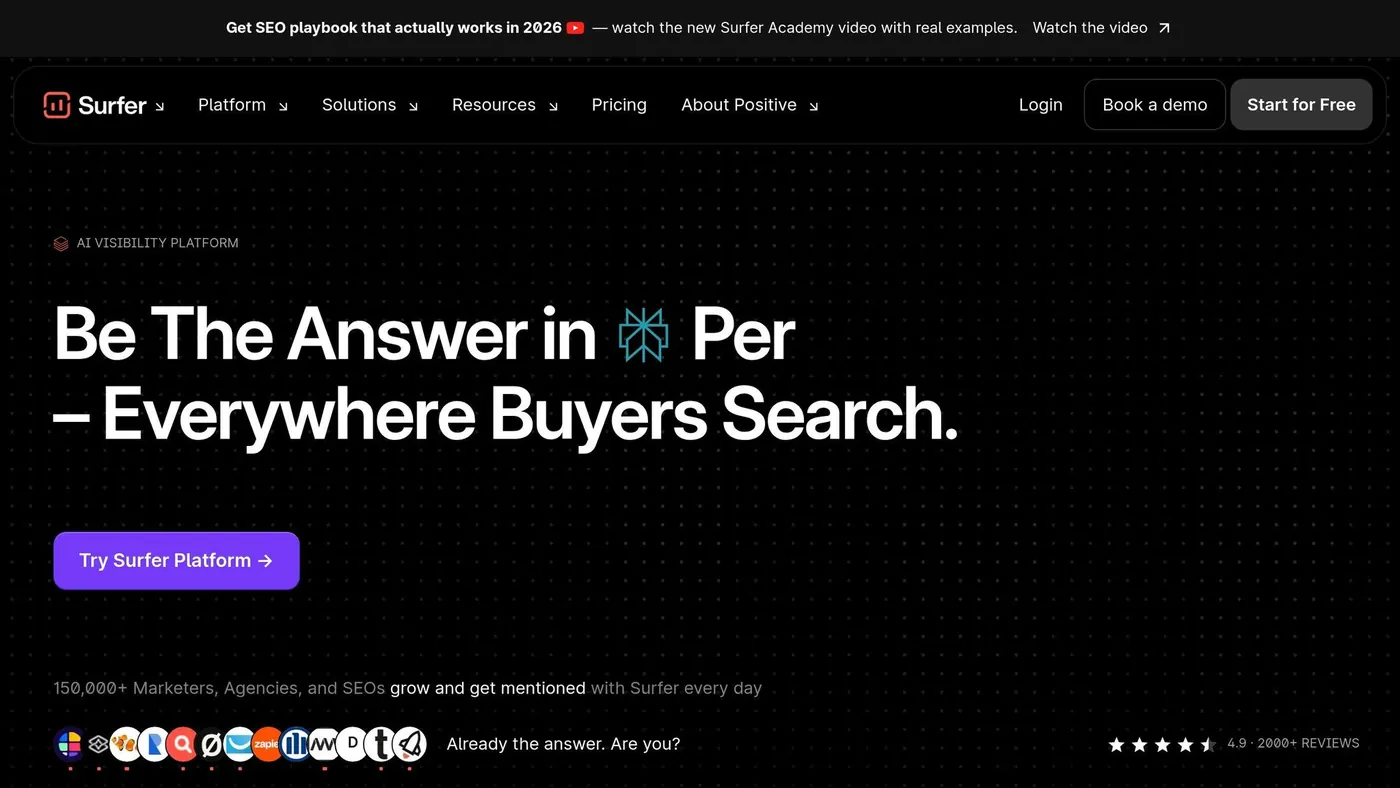
Surfer fits the research and optimization part of a website build. It reviews top-ranking pages for your target keywords and turns that data into practical direction: outlines, headings, internal-link ideas, and content targets. For service pages, landing pages, and blog posts, that can cut a lot of setup time.
Brand-Positioning Support
Surfer is strongest on the structural side of SEO. It helps shape the framework of a page, but it shouldn’t be the whole story.
Use Surfer for research and structure, then layer in your own insights, point of view, and brand facts. That’s usually the difference between a page that checks boxes and a page that feels like it came from an actual business.
Lead-Generation Impact
Surfer now classifies search intent as informational, transactional, or navigational, then adjusts its optimization suggestions to match.
For founders, that matters. It means you can line up each page with the type of search most likely to lead to inquiries or sales. If one page needs to answer early-stage questions and another needs to help someone take action, Surfer helps map those pages to different stages of buyer intent.
Scaling-System Potential
If your team is publishing a high number of pages, Surfer helps set a shared SEO baseline before writing even starts. That keeps service pages, landing pages, and blog posts more consistent from the first outline.
Still, it works best as a draft tool, not a final editor. Fact-check everything, add your own insight, and stay away from thin AI copy.
10. Semrush
Website-Build Fit
Semrush handles site-wide visibility: keyword mapping, technical audits, and AI search monitoring. Before launch, the Keyword Magic Tool helps map your full site structure. After launch, Site Audit checks for 140+ technical issues, including thin content and keyword cannibalization.
As of June 2026, Semrush indexes 25.6 billion+ keywords across 142 geographic databases. So your site structure is built on live search data, not gut feel. That makes Semrush the link between page-level SEO work and the bigger picture of how your whole site shows up.
Brand-Positioning Support
Semrush operates at the site-wide visibility layer. Its AI Visibility Toolkit shows how platforms like ChatGPT, Perplexity, Gemini, and Google AI Overviews describe your brand. The Brand Performance report highlights the attributes and topics these systems connect to your business. You can use that report to spot cases where AI systems mention competitors more often than your brand, then shore up the missing authority signals.
From there, the next question is simple: do those visibility wins turn into qualified leads?
Lead-Generation Impact
For founders, the upside is better page prioritization and more qualified traffic. Semrush tracks brand presence across AI prompts and search results. It also uses AI-powered keyword clustering to group related terms into topic clusters in minutes, which helps founders focus on the pages most likely to bring in traffic.
Pages optimized with Semrush’s AI content recommendations have shown a 32% improvement in average SERP ranking positions within 90 days compared with control pages.
Scaling-System Potential
For teams publishing at scale, Semrush MCP (Model Context Protocol) lets you pull live SEO data straight into AI tools like Claude or ChatGPT. That makes it easier to build content briefs, keyword clusters, and optimization plans without bouncing between platforms.
Pricing starts at:
- Pro: $139.95/month
- Guru: $249.95/month
- AI Visibility Toolkit: $99/month per domain
Semrush can feel heavy for solo founders in the early stage.
Once visibility is covered, the next layer is support and conversion.
11. Intercom
Website-Build Fit
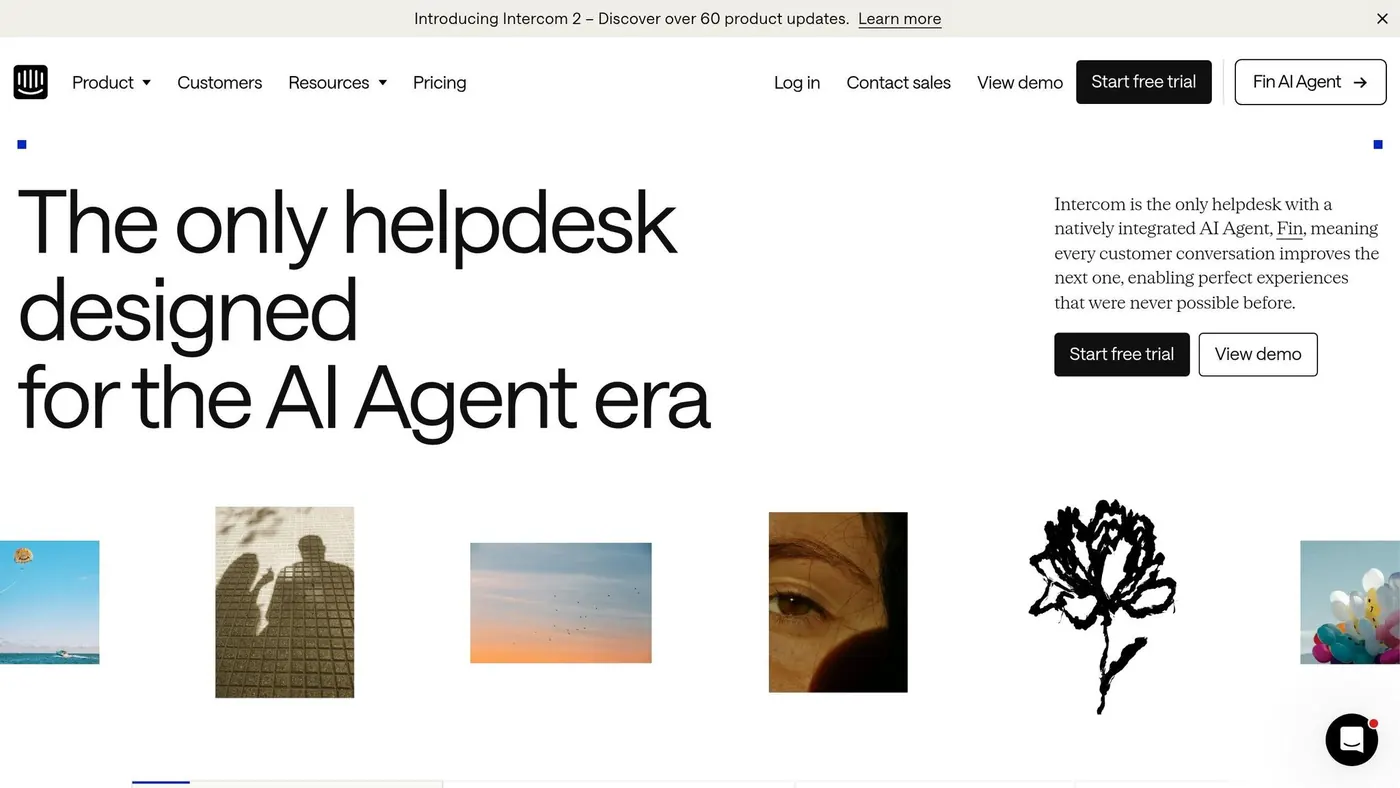
Once your site starts bringing in visitors, Intercom takes over the conversation part. It sits on top of your site as a support and conversion tool, not as a website builder.
You add it with a JavaScript embed in the site header, and it works with React, Vue, and Next.js. Basic setup usually takes 2–4 hours, while full knowledge-base training can take 2–4 weeks.
Brand-Positioning Support
Intercom's Fin AI can pull answers from your help-center content, which helps keep replies in line with your product and voice. You can also set the agent's personality, tone, and communication style, so the chat feels in step with the rest of the business.
Lead-Generation Impact
Intercom can qualify prospects, collect details like email, budget, and timeline, and send high-value visitors to booking or sales. In plain English, it helps turn anonymous traffic into booked calls or sales chats.
Businesses using Intercom have reported a 90%+ improvement in first response time and a 20–40% drop in support ticket volume. That can make a big difference if your inbox is already starting to pile up.
Scaling-System Potential
Fin AI can take care of first-line support on its own, including jobs like checking order status or processing refunds, and then hand tougher cases to a human with the full context attached.
Intercom charges $0.99 per resolved conversation. At 5,000 resolutions per month, that's about $4,950 in AI costs alone, plus a base plan that starts at about $39 per seat per month.
That pricing makes the most sense for SaaS teams with a mature help center and a high support load. If you're earlier-stage, a lighter setup often makes more sense: start with FAQ replies and lead capture, then add full AI resolution after your docs are in place. For smaller teams, the next section looks at a simpler chatbot option.
12. HubSpot AI Chatbot
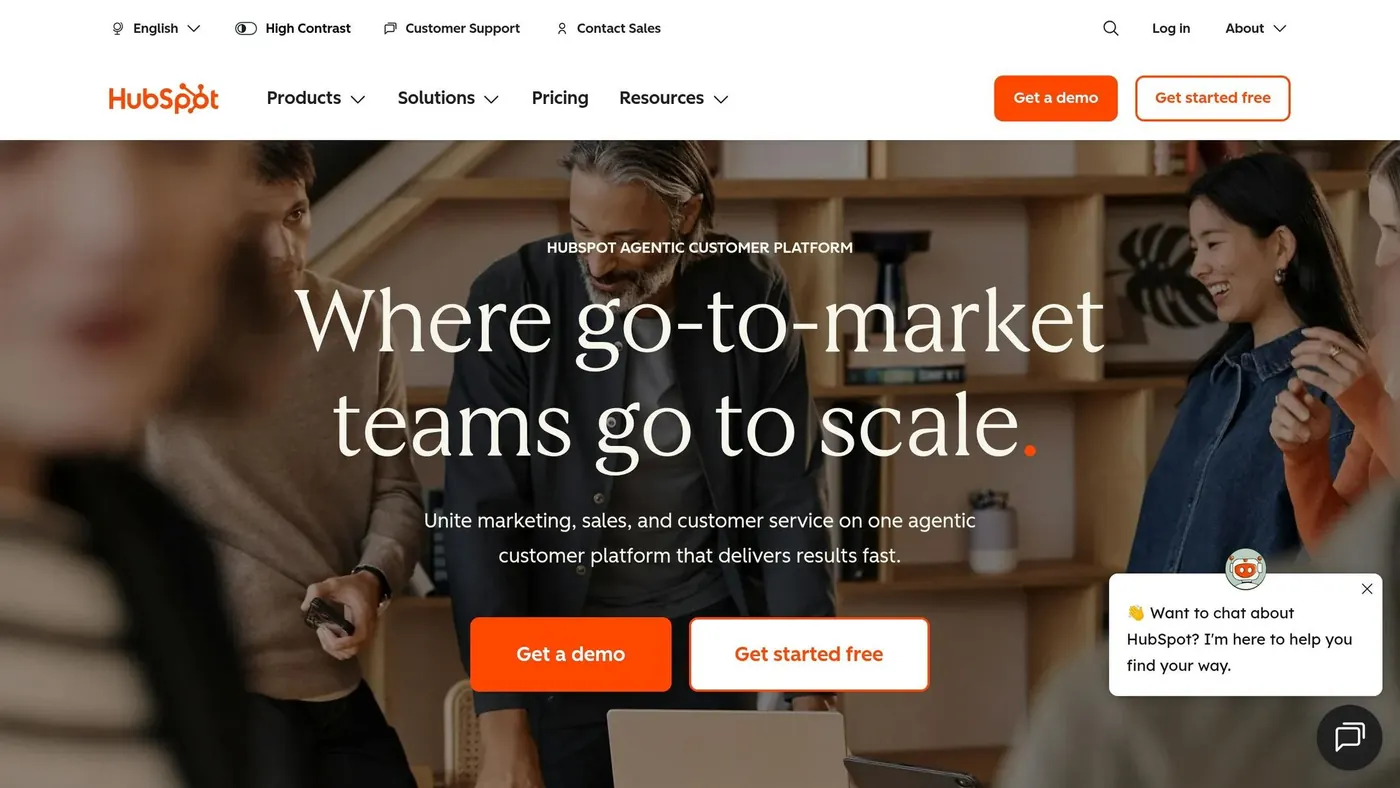
If your team wants chat, CRM, and content to run in one place, HubSpot is a clear next move.
Website-Build Fit
HubSpot's AI chatbot lives inside Breeze AI in Content Hub. It links chat, forms, and page activity to Smart CRM, which helps turn website traffic into leads you can track. Setup is no-code, and the drag-and-drop editor makes page changes simple. On top of that, Breeze can rewrite copy in real time to adjust tone, clarity, or length.
That matters because the upside isn't just faster page building. It's a cleaner path from visitor to lead.
Brand-Positioning Support
Breeze uses CRM data to keep content and conversations aligned with each audience segment. It can match your brand voice and create steady copy across landing pages, emails, and ads. The HubSpot AEO Grader checks how your brand shows up in AI-powered search results like ChatGPT or Gemini and points out ways to improve AI search visibility.
Lead-Generation Impact
HubSpot's AI agent picks up visitor intent in real time and helps with personalized follow-ups. Every interaction is tied back to one Smart CRM record, so your team has the full picture in one spot.
Scaling-System Potential
HubSpot can grow with you, from a free tier up to Enterprise-level features. Content Remix can turn one blog post into social media and email copy automatically, which cuts down the manual work of updating each channel.
Plans run from Free to Enterprise:
- Starter starts at $9/seat/month
- Professional starts at $450/month for 3 seats
- Enterprise starts at $1,500/month for 5 seats
The trade-off is scope. HubSpot can do a lot, but it also asks more from your team than a tool built for one narrow job. That's why it makes the most sense when your website is part of a larger marketing system, not just a standalone site.
13. Tidio Lyro
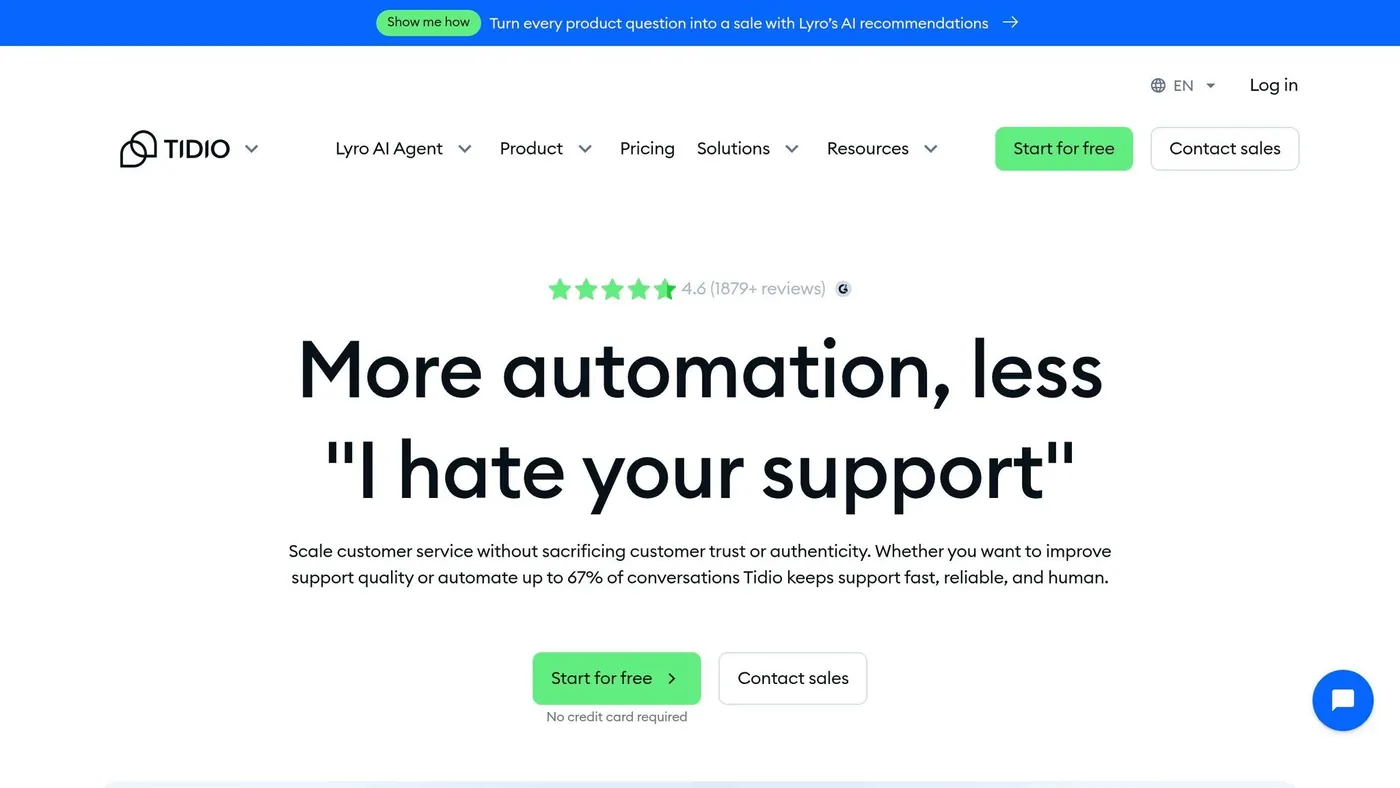
Tidio Lyro is a light chat layer for founders who want AI support live fast without changing their site build.
If your site is already up and you just need support chat, Tidio Lyro is one of the easiest add-ons to plug in.
Website-Build Fit
Setup usually takes 5 to 45 minutes, depending on your platform. Tidio works with a one-click install on Shopify, a WordPress plugin, or a JavaScript snippet for platforms like Squarespace and Webflow. The setup is made for non-technical users, so you can add it without touching the rest of your site.
Brand-Positioning Support
Lyro uses only the data you give it in its knowledge base, such as FAQs, URLs, or PDFs. That helps keep answers on-brand and cuts down on wrong replies. It runs on Anthropic's Claude model, with guardrails meant to keep responses tied to your own materials.
You can tweak the tone of voice, rename the agent, and add a company description to shape how the bot presents your business. In plain English, you get some control over how it sounds instead of letting it talk in a generic support voice.
Lyro tends to work best when you give it at least 15 solid Q&A pairs. If you have fewer than 6, replies are more likely to sound generic.
Once the bot starts answering in your brand voice, the next thing to check is simple: do those chats bring in leads?
Lead-Generation Impact
Tidio's Flows feature lets you set proactive triggers on high-intent pages, so the bot can greet visitors and collect leads. It also connects with major CRM and email tools, plus Zapier, which makes it easier to push captured leads into the systems you already use.
Scaling-System Potential
Lyro can handle about 55% to 67% of common customer questions on its own. As your channels grow, Tidio's unified inbox pulls chat and social conversations into one place. That matters because support can get messy fast once messages start coming in from everywhere.
For Shopify stores, Lyro can also handle refunds, cancellations, and address changes right inside the chat. If a question falls outside the knowledge base, it can pass the conversation to a human agent or create a help-desk ticket.
Pricing starts with a free tier, and paid plans begin at about $29/month.
For teams that want to connect chats to revenue, the next section looks at analytics and conversion tracking.
14. UXCam
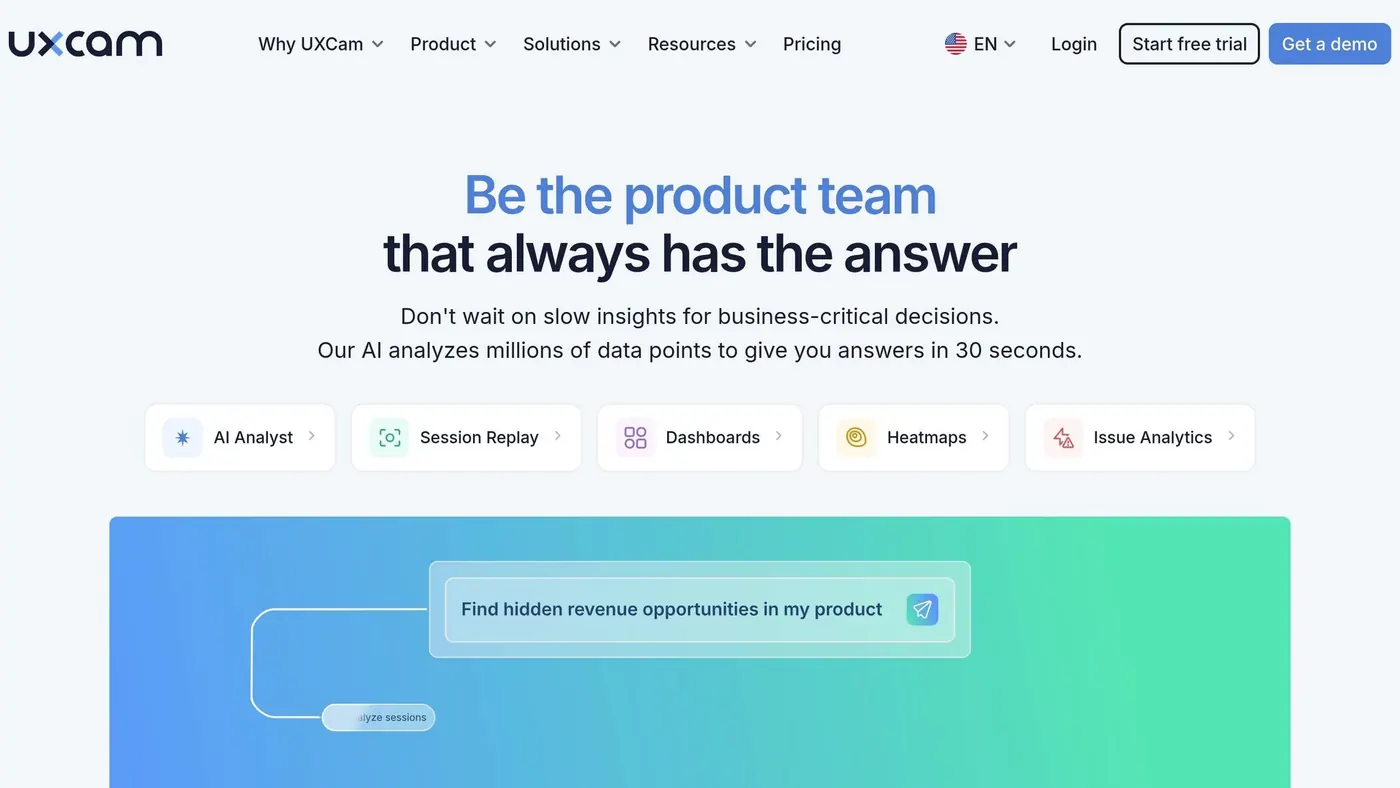
Once traffic is coming in and chats are live, UXCam helps you see why people still don't convert. It's a post-launch analytics tool built to show where visitors hesitate, get stuck, or leave.
Post-Launch Fit
UXCam shows points of friction that standard analytics often miss. Its main features include session replays, heatmaps, and funnel analysis, so you can watch real user sessions and spot where people drop off.
Message Clarity
UXCam can show whether people are even seeing your main message. Heatmaps highlight sections users ignore, while session replay can reveal moments when visitors miss the value proposition altogether. That gives you a clearer read on what to change, whether that's a sharper homepage headline, a shorter form, or a stronger CTA.
Lead-Generation Impact
On pricing and checkout pages, funnel analysis is especially useful. If users drop off during checkout, UXCam helps you pinpoint the exact step causing the loss so you can fix it.
Scaling-System Potential
As your team gets bigger, UXCam supports collaboration and PII masking for regulated data. That makes it easier to review findings together and focus on the page changes that matter most.
15. Dynamic Yield
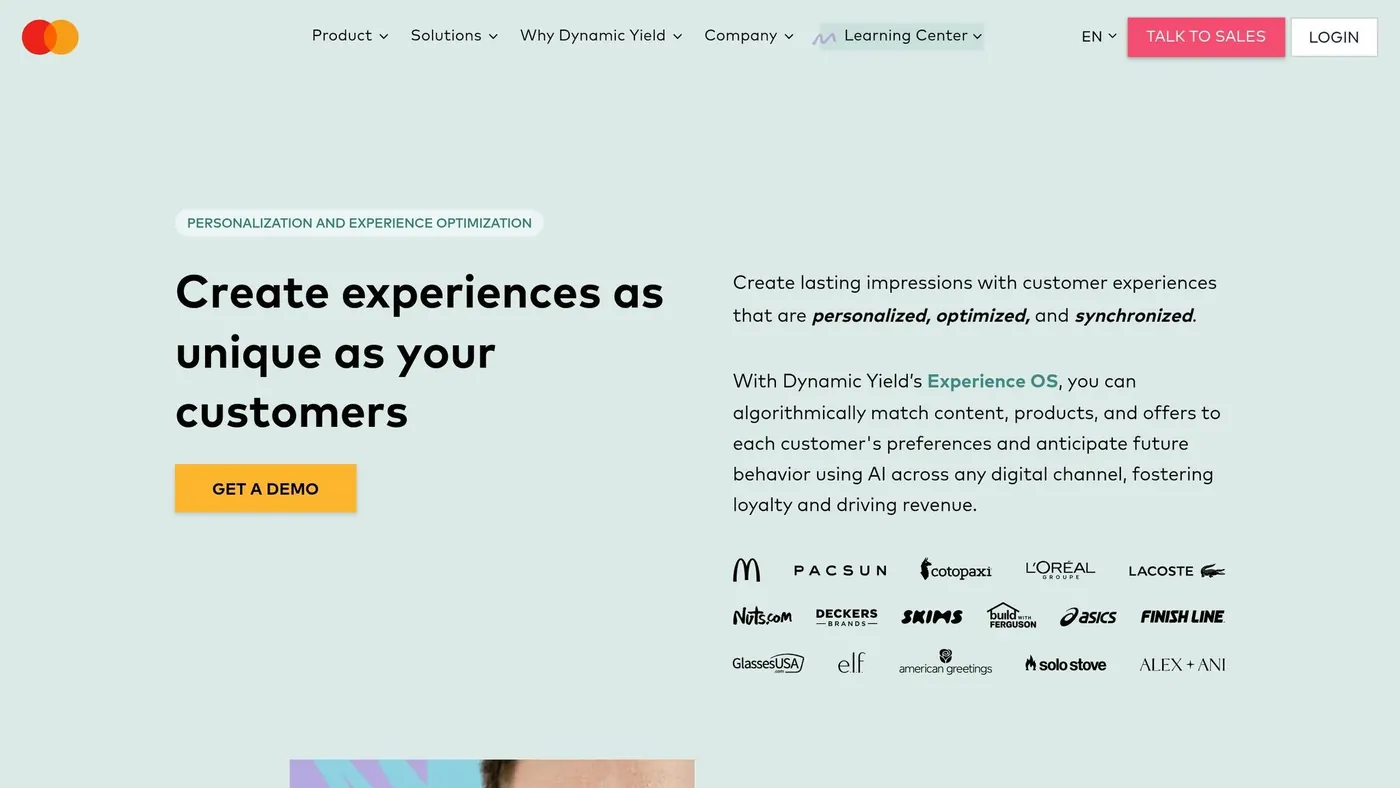
Dynamic Yield is a post-launch personalization layer, not a website builder. It plugs into an existing site and changes headlines, hero images, and recommendations in real time. Use Dynamic Yield when the goal moves from getting pages live to improving conversion rates on a site that already works.
For founders, this is the last layer in the stack. Put it to work after the site is live and traffic is already coming in.
Website-Build Fit
Dynamic Yield works with Shopify, Adobe Commerce, and custom stacks through API or SDK. Pricing runs from $50,000 to $300,000+ per year, so it fits teams with enough traffic and budget to make enterprise personalization worth the cost.
That means it only makes sense once the site already has enough visitors for the system to learn from and tailor against.
Brand-Positioning Support
If a brand already has a live site, Dynamic Yield can make the experience feel more relevant to each visitor. Its behavior-based targeting matches content to likely intent. On top of that, its built-in "Copywriter" tool and Stability.ai integration help teams produce personalized copy and visuals for different segments fast, while staying inside brand guardrails.
Electrolux used it across 63 domains and 21 markets without adding headcount, lifting D2C revenue by 16%.
Lead-Generation Impact
Dynamic Yield can improve conversions with behavior-based triggers like:
- exit-intent popups
- social proof messages
- personalized recommendations
e.l.f. Cosmetics saw a 17.6% increase in conversion rate by personalizing its site menu based on past shopping behavior. It also saw a 4.2% increase in Average Revenue Per User through product detail page recommendations.
Scaling-System Potential
Dynamic Yield is built for teams that need personalization across many brands, markets, and channels. Its AdaptML engine automates next-best product recommendations across web, mobile, email, and kiosks.
It has also been named a Leader in the Gartner Magic Quadrant for Personalization Engines for eight consecutive years.
The biggest risk is simple: weak execution. Teams that stop too early often don't get the full return. That's why Dynamic Yield fits mature sites with steady traffic, not early-stage launches.
How These Tools Stack Up on the Decisions Founders Actually Face
Founders usually run into four big decisions: speed, brand fit, lead capture, and scale. The key question isn’t “Which tool is best?” It’s which layer you need right now.
At launch, speed usually wins. During growth, standing out matters more. At scale, ownership and consistency start to matter a lot more. And that brings you to the next call: ownership.
Platform ownership matters because closed builders can make migration harder when code export is limited.
Use this matrix as a quick stage-by-stage guide.
| Tool | Website-Build Fit | Brand-Positioning Support | Lead-Gen Impact | Scaling Potential |
|---|---|---|---|---|
| Wix AI | High (all-in-one) | Medium (template-constrained) | High (built-in CRM) | Medium (closed system) |
| Framer AI | Medium (design-led) | High (designer-grade) | Medium (light lead capture) | Medium (CMS limits) |
| Webflow | Low (steep curve) | High (design system) | Medium (integrations) | High (advanced CMS) |
| ChatGPT / Jasper | Low (copy only) | High (brand voice) | Medium (copy-driven) | High (multi-channel) |
| Midjourney / Firefly | Low (visuals only) | Medium (secondary imagery) | Low (indirect) | Medium (scalable assets) |
| Surfer SEO / Semrush | Low (SEO layer) | Medium (content structure) | High (organic traffic) | High (content scaling) |
| Intercom / HubSpot AI | Low (support layer) | Medium (support experience) | High (chat-to-lead) | High (CRM integration) |
| Tidio Lyro | Low (support layer) | Low (support-only) | High (high support deflection) | Medium (SMB-focused) |
| Dynamic Yield | Low (post-launch only) | Medium (behavior-based) | High (personalization) | High (enterprise scale) |
No single tool covers the full stack. The next section breaks down the main pros and cons.
Pros and Cons of the Top AI Website Tools
Each tool handles a different part of building and growing a website. But none does everything well. That’s the big idea here: pick the tool based on the decision in front of you right now, not the one you might face six months from now.
The table below cuts those tradeoffs down into a simple buyer’s guide.
Wix AI is a fast all-in-one option for getting online. You get CRM, bookings, and email in one place. The downside? Once setup is done, your design options get tighter.
Framer AI stands out for polished visual output. It’s a strong pick for brand-first sites. But if you need a deeper CMS setup or more serious e-commerce features, it can feel limited.
Webflow AI makes sense for sites that need a CMS that can grow with the business, plus tighter design control. That said, it tends to work better for designers and agencies than for someone building their first site.
ChatGPT and Jasper help with different writing tasks. ChatGPT is good for planning and first drafts. Jasper helps keep messaging steady across pages. The catch is simple: without heavy human editing, the result can feel thin.
Midjourney and Adobe Firefly are useful for fast supporting visuals. Think of them as helpers, not the heart of your brand look.
Surfer SEO and Semrush help shape content around search intent and page structure. Used well, that’s helpful. Follow them too strictly, though, and your content can start sounding stuffed and mechanical.
Intercom and HubSpot AI Chatbot are built to turn traffic into conversations and leads. They can handle 24/7 support, including refunds and order-status checks. Still, both need setup time and training before they pull their weight.
Use the chart below to match the tool to your current stage: launch, brand, SEO, or conversion.
| Tool | Strongest Use Case | Main Upside | Main Limitation | Best-Fit Buyer |
|---|---|---|---|---|
| Wix AI | All-in-one business ops | Built-in CRM, bookings, and email | No template changes after launch | Solopreneurs and service businesses |
| Framer AI | High-end branding | Premium visual output | Limited e-commerce/CMS depth | Startups and creative agencies |
| Webflow AI | Scalable professional sites | Scalable CMS and design control | Steep learning curve | Marketing teams and designers |
| ChatGPT / Jasper | Brand voice and content | Planning, drafts, and consistent copy | Thin content risk without human editing | Content-driven businesses |
| Midjourney / Adobe Firefly | Supporting brand visuals | Fast asset generation | Not for core brand assets | Founders supplementing design |
| Surfer SEO / Semrush | Organic search growth | Intent-based content structure | Over-optimization risk | SEO-focused content teams |
| Intercom / HubSpot AI Chatbot | Chat-to-lead conversion | 24/7 automated support and sales | Requires setup and training | Scaling SaaS teams |
Conclusion
No single AI tool handles the whole stack well. The best pick depends on where you are now and where you're headed next.
Here’s the simple way to think about it.
For launch, speed comes first. Get online fast with a generative builder, put out a usable first version, and improve from there. For growth, shift your attention to brand differentiation, visual polish, and lead qualification. That’s when tools like Framer, Jasper, and Surfer SEO start to justify their monthly cost. For scale, focus on ownership, automation, exportable code, and AI search optimization.
The goal isn’t to pile on more tools. It’s to build the right stack for your stage. The right setup helps you launch faster, sharpen your positioning, and bring in better leads. Founders who get the most from AI usually use fewer tools, not more. They just pick the ones that fit.
If you want help choosing the right stack, Patrick Frank's 1-on-1 Strategy Sessions ($150/hour) and 90 Day Growth Plan ($10,000) can narrow the options fast.
FAQs
Which AI tools do I actually need first?
Start with an AI website builder to get your site live fast. If you want a simple all-in-one option for a small business site, go with Wix or Hostinger. If design matters most, Framer is a strong pick. If you want WordPress control and more room to shape the site your way, 10Web makes more sense.
Then layer in the core tools that help the site do its job. Use Jasper or Copy.ai for copywriting, Surfer SEO for SEO, SalesApe for AI chatbots, and Midjourney or DALL-E 3 for images.
How do I choose the right AI website builder?
Choose based on your main priority: speed, design control, or long-term ownership.
If time is the biggest issue, go with a generation tool like Durable or Wegic. They can get you from idea to live site fast, which matters when you just need something up and running.
If you want more control over how the site looks and feels, look at AI-assisted editors like Wix or Framer. They give you more room to shape the design instead of taking whatever the tool spits out.
It also helps to weigh a few practical things before you decide:
- Ownership
- Business maturity
- Technical skill
- Growth potential
And don’t just think about today. Check that the builder can handle the SEO, integrations, and conversion tools you’ll need as your site grows.
When should I add SEO, chat, and analytics tools?
Start with an AI website builder if you want a fast, functional first draft. It gets you online without much friction.
Then add SEO, analytics, and chat tools when your site needs to do more than sit there as a basic landing page.
Use separate tools when you need to show up for local searches, track conversions in more detail, or automate customer support so your site can generate leads and sales more reliably.